

In short
A crop rotation plan sets which crop goes on which field in which year.
You build it from your crops, their preceding crops and how long each needs before it returns to the same field, then check it against the real history of every field. In Planva the rotation runs by season inside the field register.
How to build a rotation plan
- List the crops. Start from what you can sell and what the farm can grow, with target areas.
- Group fields. Put fields of similar size and soil together, so each year the areas stay balanced.
- Set the return intervals. Decide how long each crop stays away from a field.
- Lay out the years. Write the sequence as a table, one row per field group.
- Check against history. Compare the plan with what actually grew on each field.
A four-field example
A classic grain and row crop sequence runs fallow, winter wheat, sugar beet, then barley. Each field group moves one step a year:
| Field group | Year 1 | Year 2 | Year 3 | Year 4 |
|---|---|---|---|---|
| A | Fallow | Winter wheat | Sugar beet | Barley |
| B | Winter wheat | Sugar beet | Barley | Fallow |
| C | Sugar beet | Barley | Fallow | Winter wheat |
| D | Barley | Fallow | Winter wheat | Sugar beet |
Return intervals for key crops
| Crop | Guide | Why |
|---|---|---|
| Sunflower | Not before six or seven years | Broomrape, sclerotinia and downy mildew |
| Rapeseed | At least four years after brassicas and sunflower | Shared diseases |
| Sugar beet | At least four years | Soil-borne disease and nematodes |
These are guides from agronomy teaching and trade sources. Check them against the recommendations for your region.
What breaks a rotation
- A plan with no field history. The table says one thing and the field says another.
- Chasing one good year. Extra area of a crop that paid well last season shortens its return interval for years.
- Field changes. Split or merged fields lose their sequence unless the history moves with them.
How this works in Planva
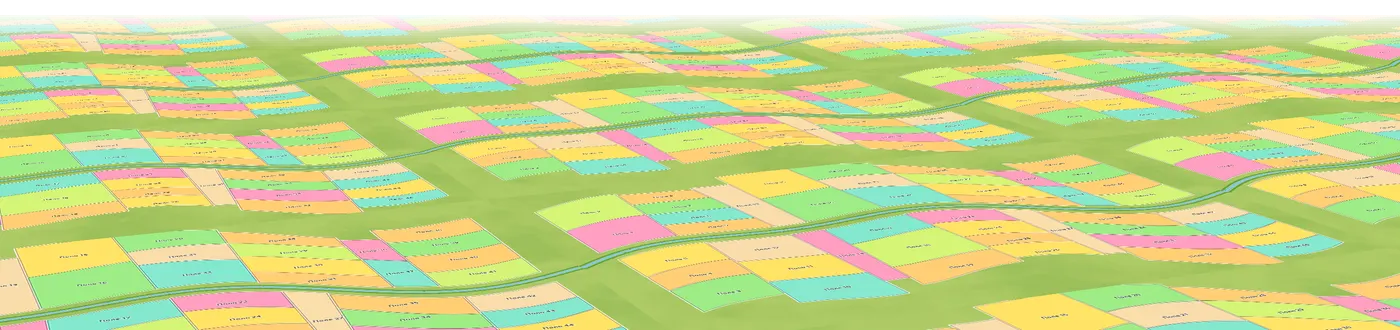
Crop rotation runs by seasons with start and end dates: crop, variety, sowing and harvest dates, yield and total harvest. The rotation map filters by crop and prints to PDF or JPEG with an area summary. The agronomist decides the sequence, and Planva keeps the record. Read field history records and field mapping and task scheduling next.
Common questions
List your crops and target areas, group similar fields, set a return interval for each crop, lay the sequence out by year, then check it against the real history of each field.
The real Planva interface, shown with test data.