
Updated November 4, 2026
Plan versus actual for field work: find what differs from the plan
Planva compares machine tasks with agro-operations, and planned materials with actual ones, and shows where they do not match.
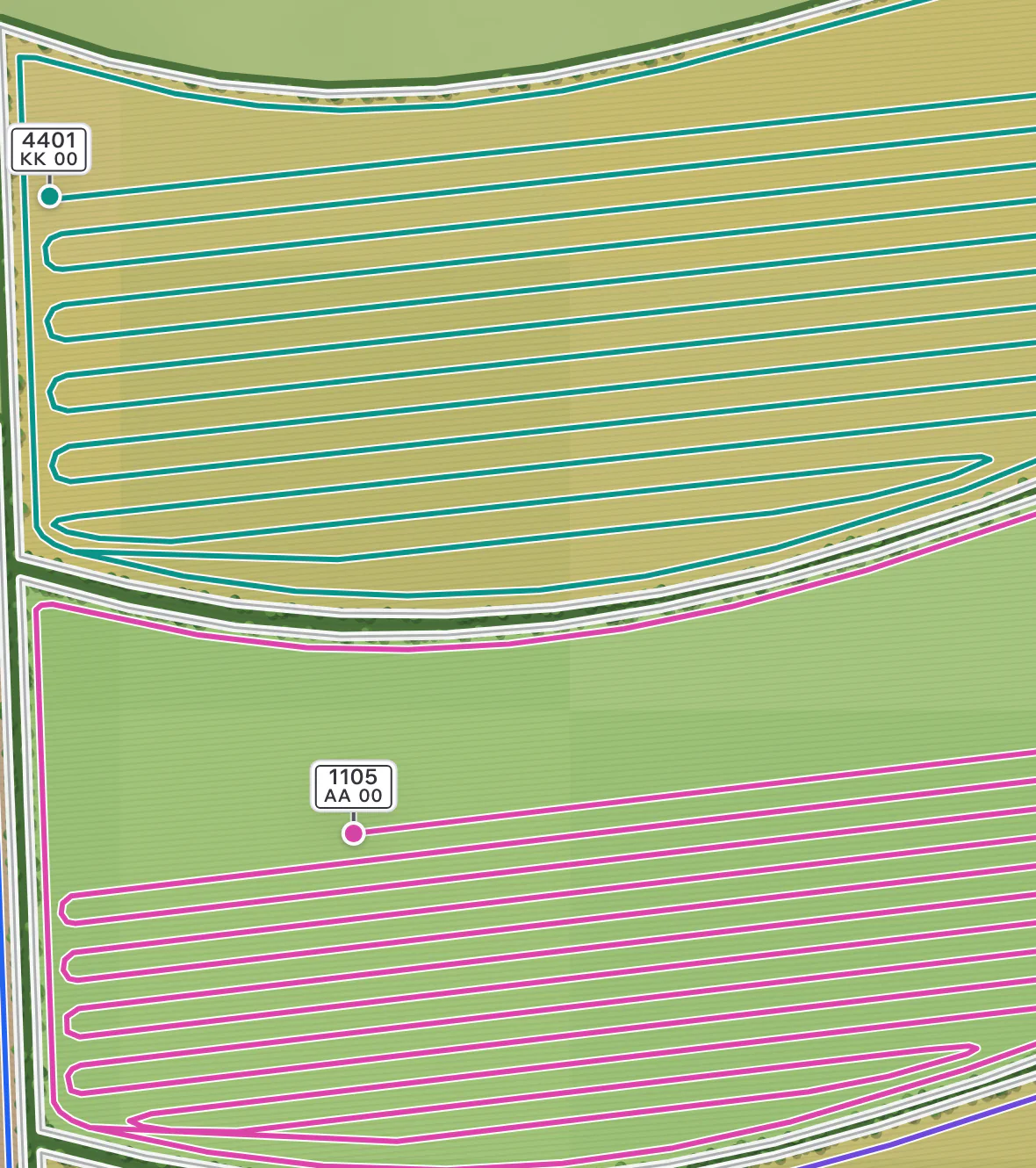



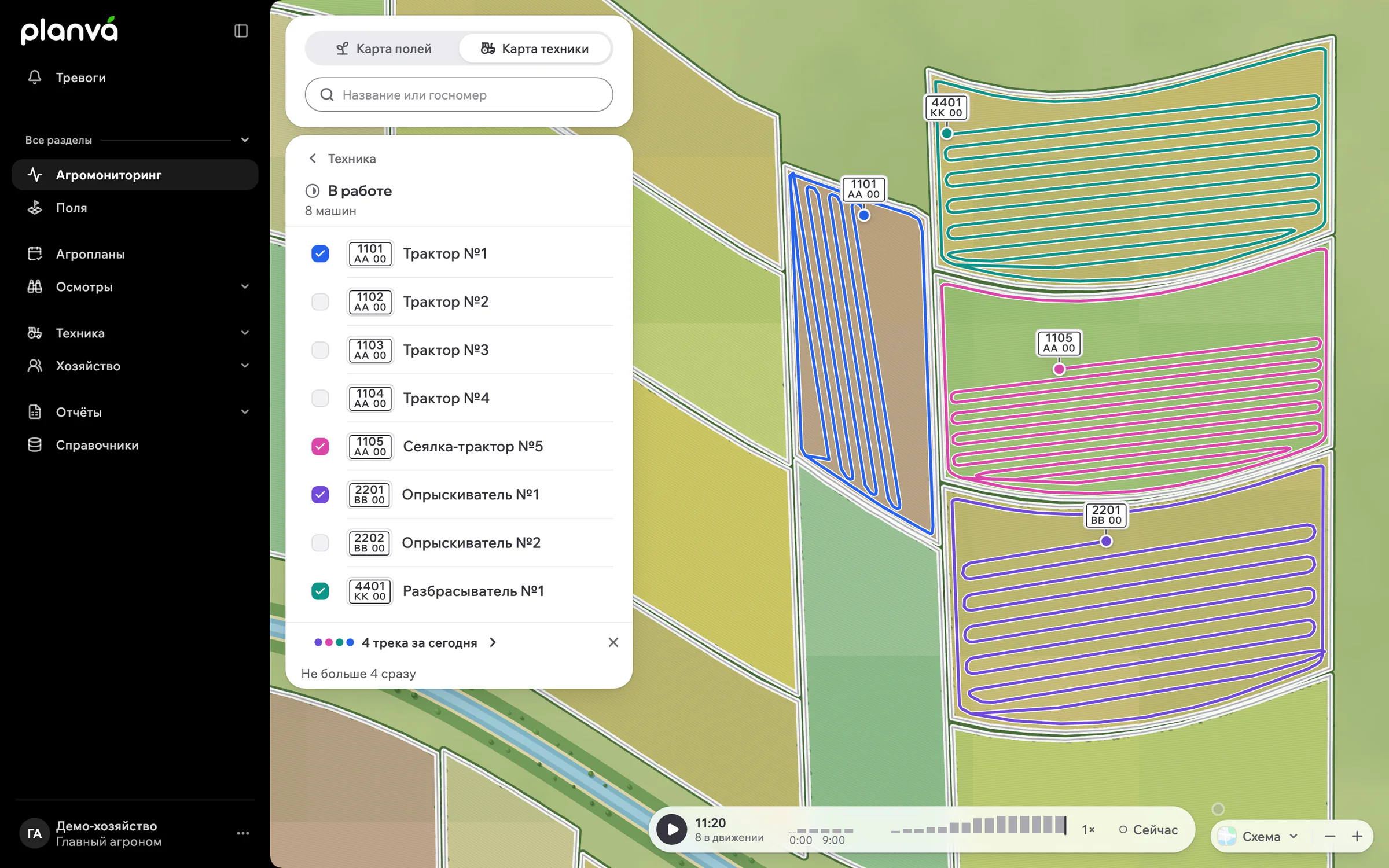
Each agro-operation holds plan and actual, and the reconciliation tab of the dispatcher report looks for the mismatches.
Most gaps between plan and actual turn up too late, when someone sits down to reconcile the season by hand. Catch them in two places instead: with alarms while the work runs, and with reconciliation straight after it.
What gets compared
| Check | Where it shows |
|---|---|
| Seed, fertiliser and crop protection | Planned and actual rates or quantities on the agro-operation. |
| Depth, speed and water rate | The field history of agro-operations, with plan and actual. |
| Area | Confirmed by telemetry, from the field area, from the machine task, or entered by hand. |
| Overlapping passes | A rule excludes overlaps between tracks, for the whole farm or one agroplan, and tasks are recalculated. |
| Task against operation | The reconciliation tab of the dispatcher report, with XLSX export. |
| Machine time | The machinery tab: time in the field, transfers and idle time. |

During the work
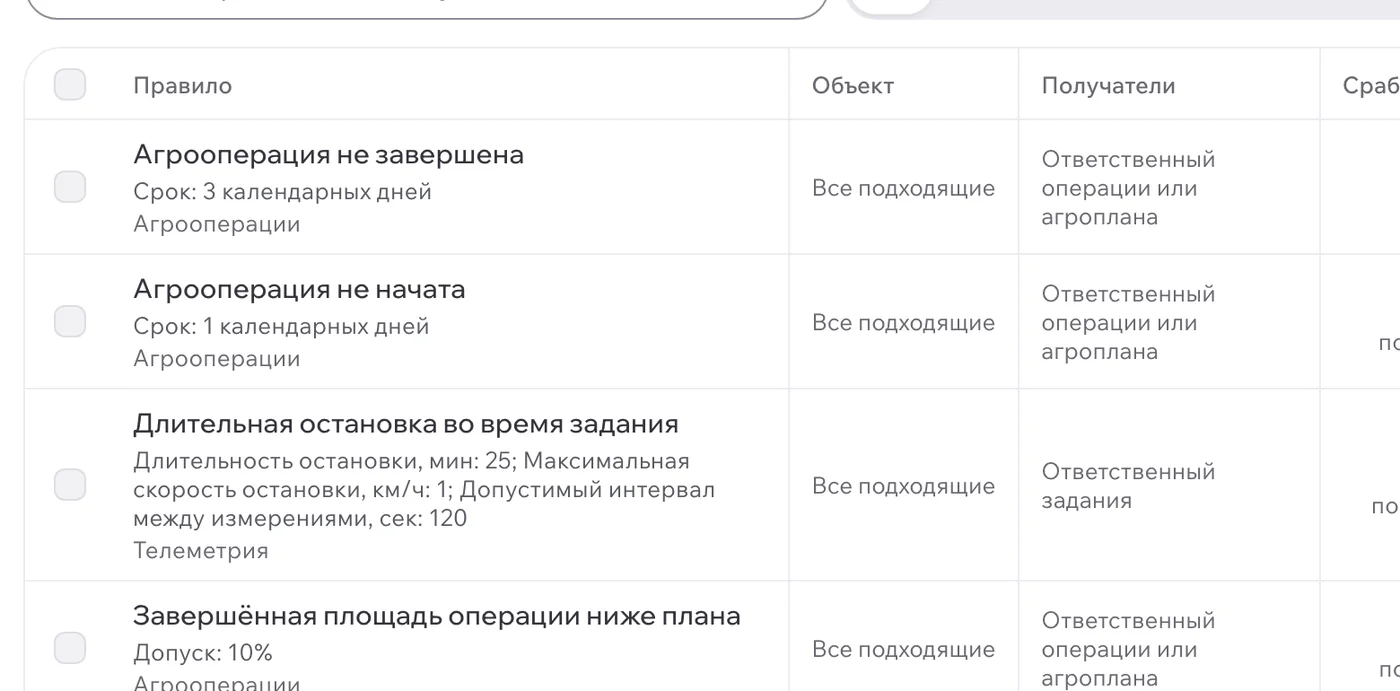
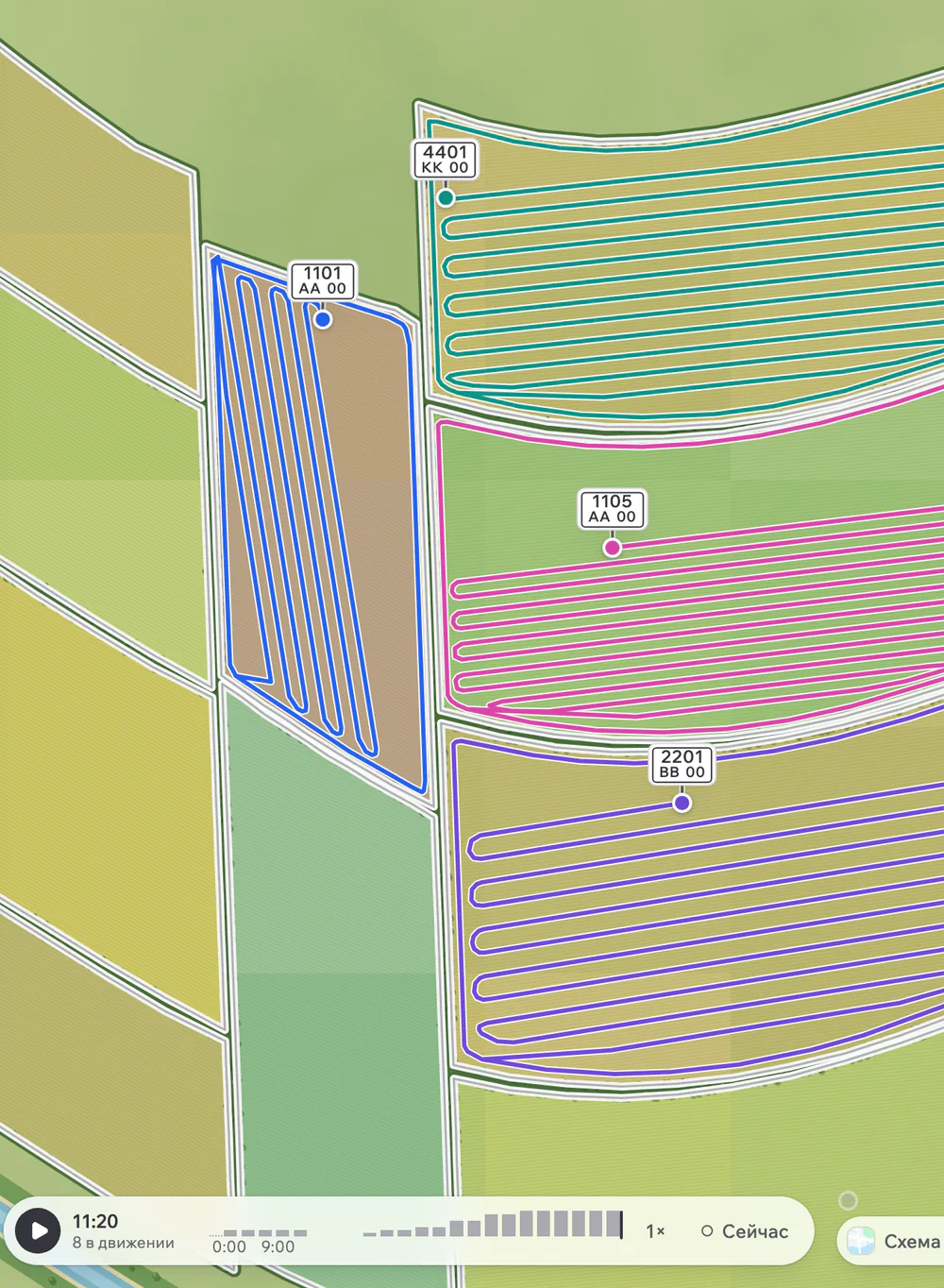
Two alarm rules catch drift before the operation closes. Work outside the field fires when a machine leaves the boundary, with a buffer you set in metres. Behind plan fires when the work lags. A machine task also carries a minimum and maximum planned speed. See machinery tracking for the rest of the rules.
Closing the work
- 1
Confirm the area
Choose telemetry, field area, the machine task or your own figure.
- 2
Open reconciliation
Look for tasks without an operation and operations without a task.
- 3
Check materials
Compare planned and actual seed, fertiliser and crop protection.
- 4
Export
Send the report to XLSX for the office.
The Planva agent can check tracks against the plan and prepare the closure as a card. A person confirms it with a button, and farm data changes only after that.
Plan versus actual needs a clean register first, so start with field mapping and task scheduling. Each agroplan also carries an operation accounting code for reconciling with your accounting system.
Who should not buy
If nobody opens the report, it will not help. Plan versus actual pays off when one person owns the reconciliation and does it every week. Without trackers on the machines, area and speed checks come down to what people typed in.
Reconciliation questions
Planva does this in the reconciliation tab of its dispatcher report, which looks for mismatches between machine tasks and agro-operations and compares planned and actual materials.
Keep plan and actual on the same agro-operation, confirm the area from telemetry or the machine task, and review the reconciliation report after the work.
Yes. The area of an agro-operation can be confirmed by telemetry, and a rule can exclude overlaps between tracks.
Yes. Alarms cover work outside the field, behind plan, task not started, speeding and lost connection.
The dispatcher report exports to XLSX, and each agroplan carries an operation accounting code for reconciling with your accounting system.
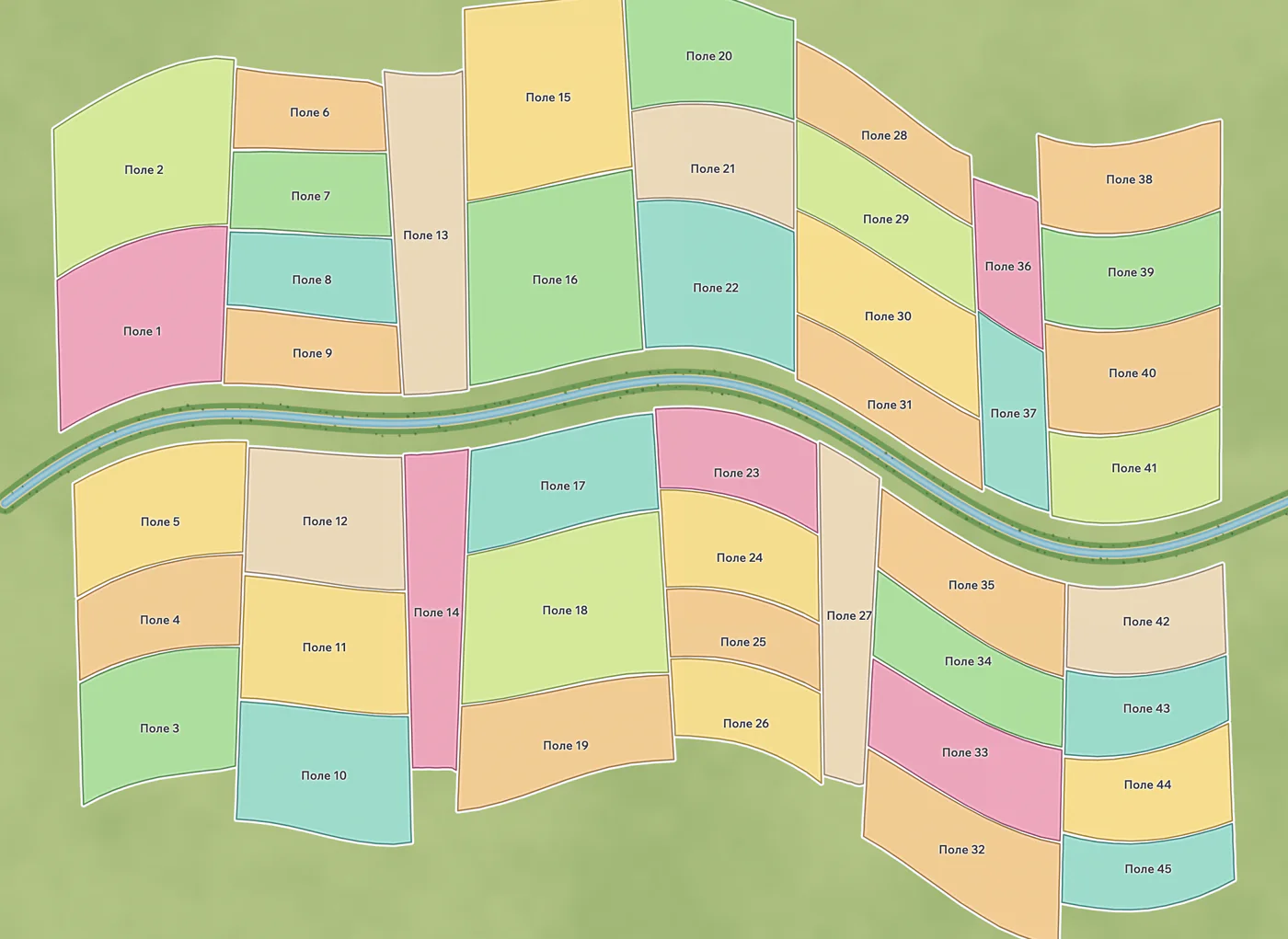
The real Planva interface, shown with test data.
Show us one of your fields
In a 30-minute demo we go through your fields, one agroplan and one machine task. Deployment and pricing get agreed before onboarding.
Support works 24/7