
Updated November 5, 2026
Farm software after spreadsheets: fields, agroplans and machinery
Planva is farm software for teams whose field records are spread across spreadsheets, maps and messages.
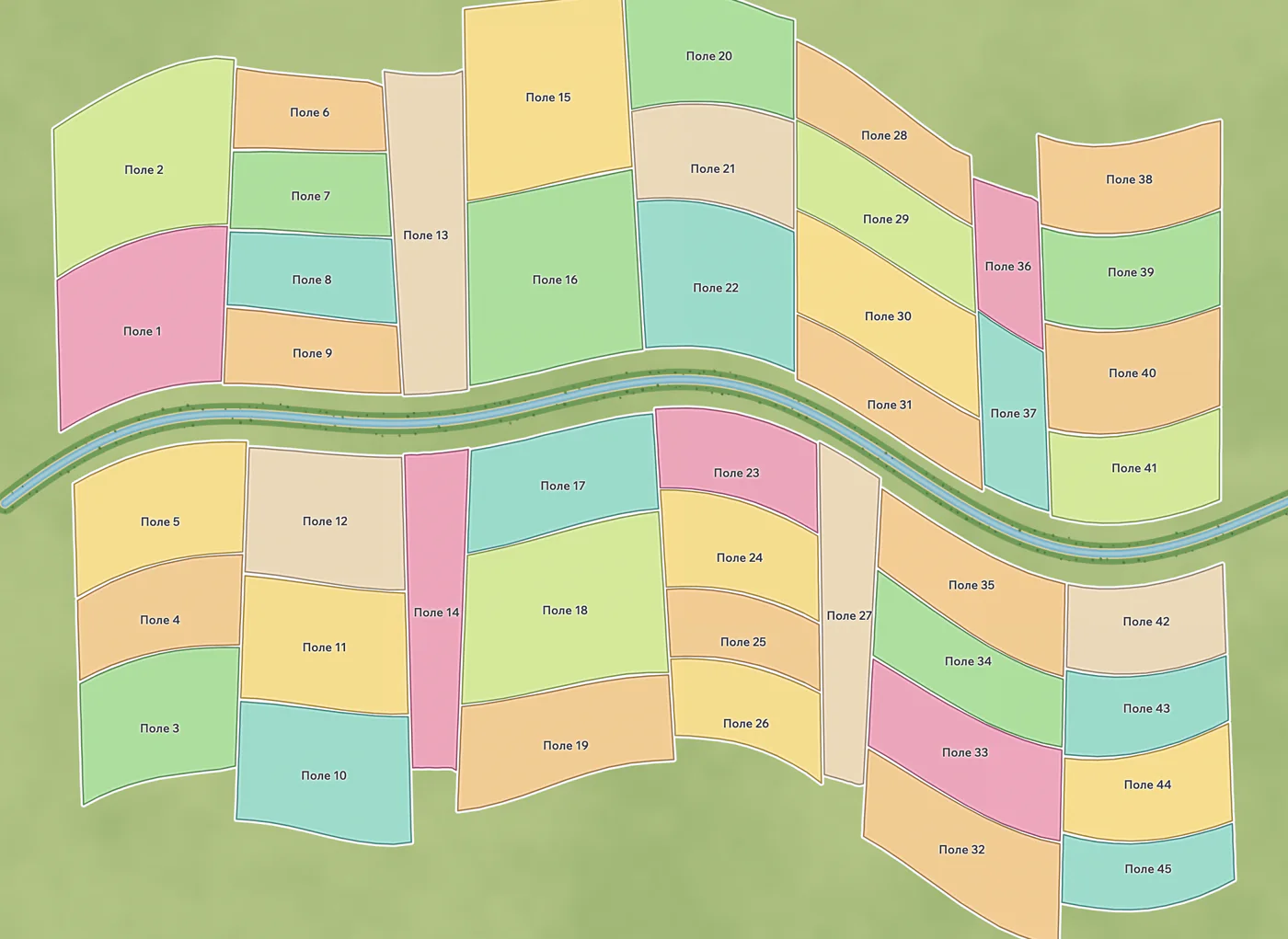
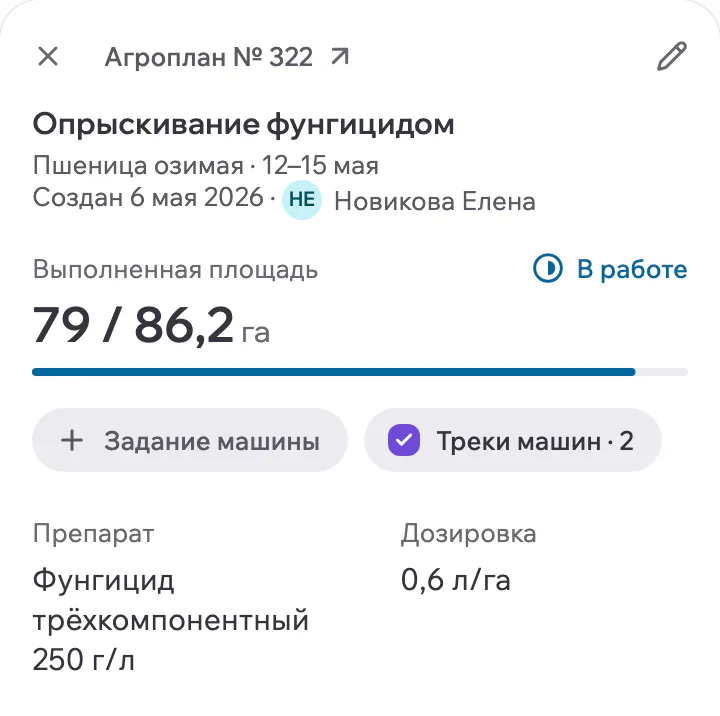
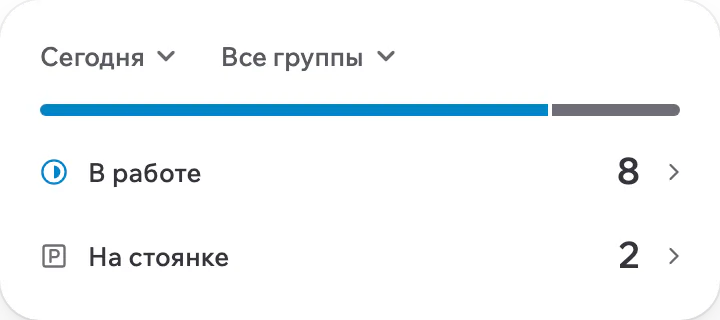



It brings the field register, crop rotation, agroplans and machine tasks together, with data in-country or on your own servers.
The reason to move is a recurring handoff that fails. The office cannot find the latest boundary, nobody can say which plan a machine worked to, or the dispatcher cannot tell which task is complete. Use one of those failures as the acceptance test.
Move one workflow first
| Current record | Prepare it | Acceptance check |
|---|---|---|
| Field spreadsheet | Stable field name, identifier and a boundary file in Shapefile or KML. | The same field is recognisable to the office and the agronomist. |
| Crop rotation | Season, crop and variety against each field. | A previous season can be opened without guessing the field name. |
| Season work plan | Type of work, dates, owner and inputs per field. | An agroplan shows plan and actual for the chosen fields. |
| Machinery log or messages | Machine, driver, equipment and fields for one task. | The machine task shows its track, area and fuel events next to the plan. |
What a pilot looks like
A pilot runs for 2 to 4 weeks on your own fields and machinery. Launch follows, with training and support.
Choose representative fields
Include an awkward boundary and a field with useful history.
Agree the baseline
Record how the team currently finds a field plan and reconciles completed work.
Run the real handoff
Create an agroplan, issue a machine task and review the dispatcher report after the work.
Compare the result
Check missing records and duplicate entry before judging the change.

Files and cost
Field boundaries load from Shapefile or KML files, and the catalogues of another platform can be moved. Agree the source files and the record mapping before the pilot. Pricing depends on acreage, modules, deployment model and implementation scope, and is fixed in the proposal and contract.
Start with field mapping and tasks, then read the checklist for moving from another platform.
Who should not buy
Keep a simple spreadsheet if it is reliable and the team has no handoff problem to solve. Do not buy until one real workflow is demonstrably easier to complete.
Before onboarding
When recurring problems with field identity, plans or task handoffs justify a change. Test that workflow in Planva using representative fields.
Field boundaries load from Shapefile or KML files. Rotation and agroplans are created in the platform. Agree the records to bring and how fields map to the register before the pilot.
No. This covers field records, agroplans and machinery. Check financial or specialist software requirements separately.
Pricing depends on acreage, modules, deployment model and implementation scope, and is fixed in the proposal and contract.
The office and the dispatcher finish the chosen workflow, find the correct records and verify the result without recreating missing context.
The real Planva interface, shown with test data.
Show us one of your fields
In a 30-minute demo we go through your fields, one agroplan and one machine task. Deployment and pricing get agreed before onboarding.
Support works 24/7